
Touchscreens and switches - Touchscreens
Z70 v2
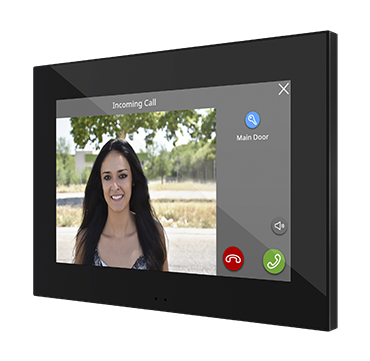
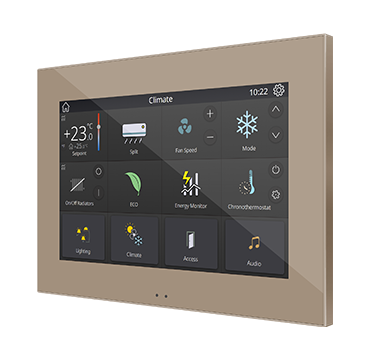
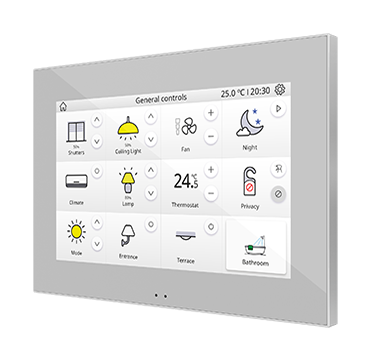
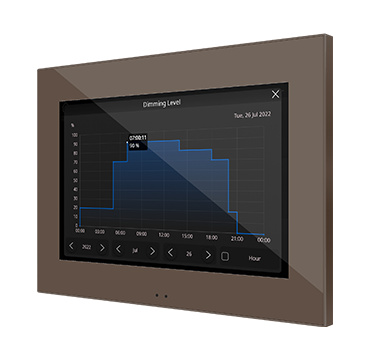
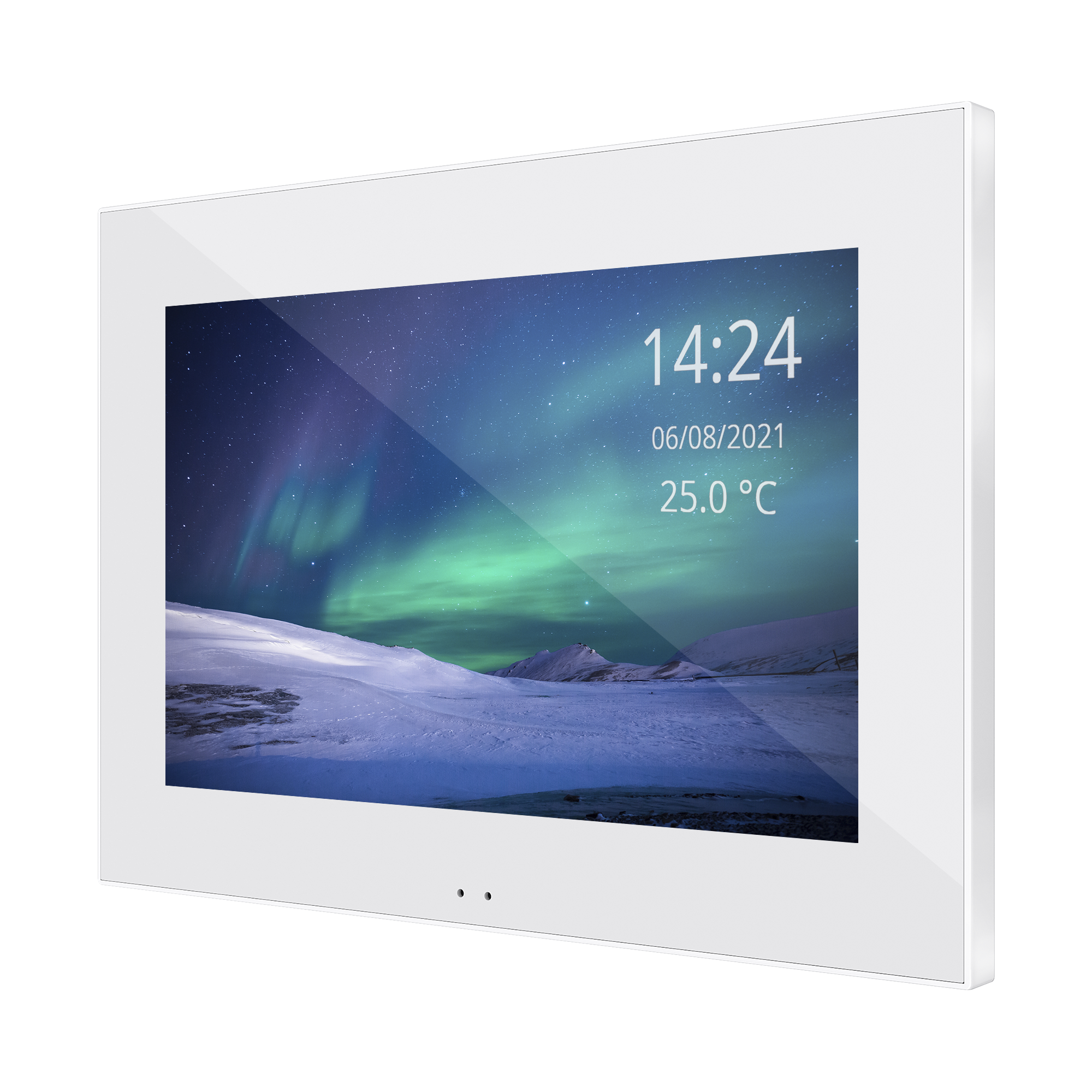
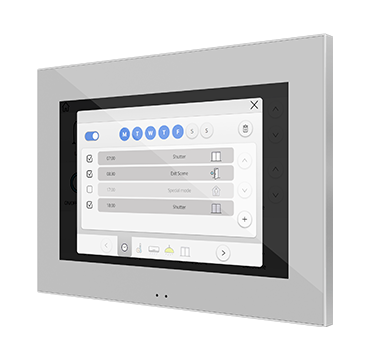
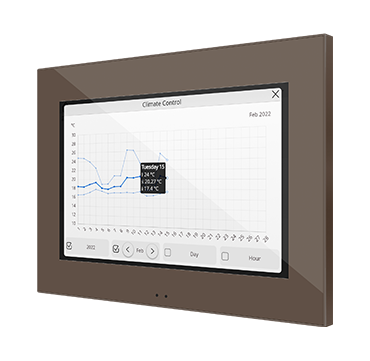
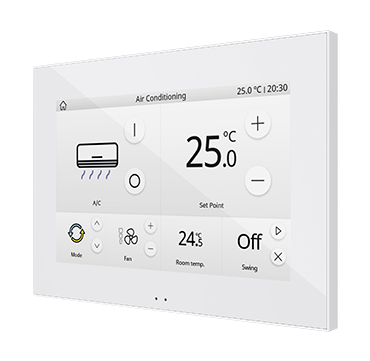
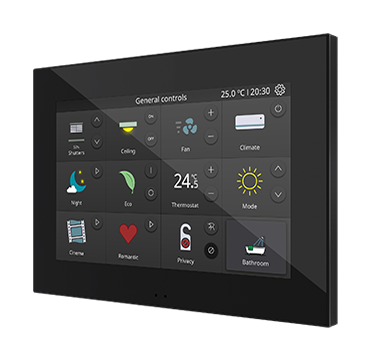
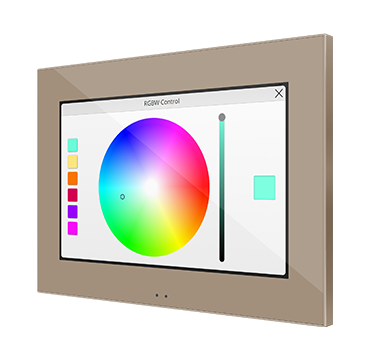
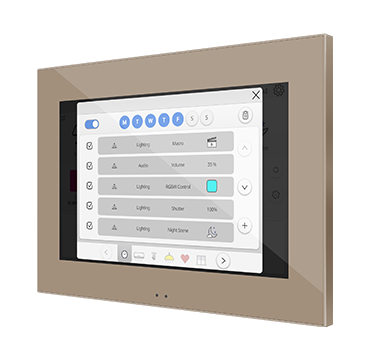
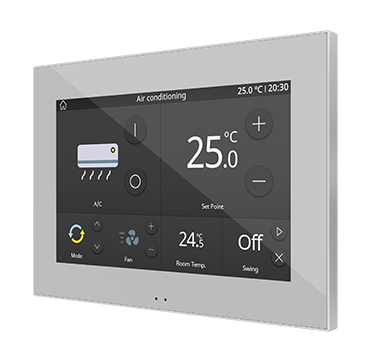
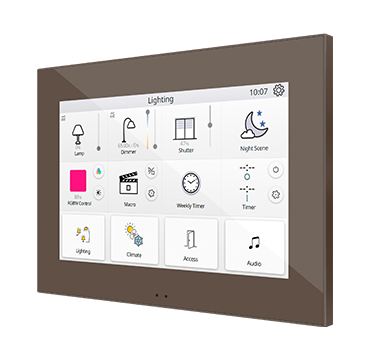
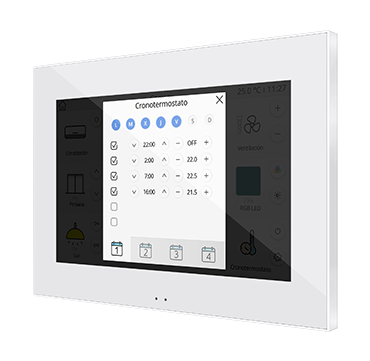
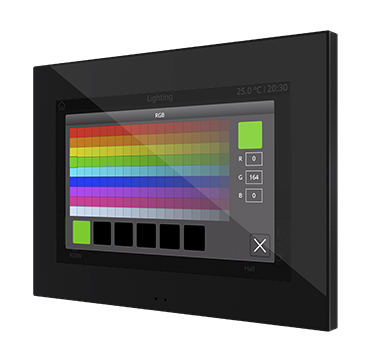
Color capacitive touch panel with 7" display.
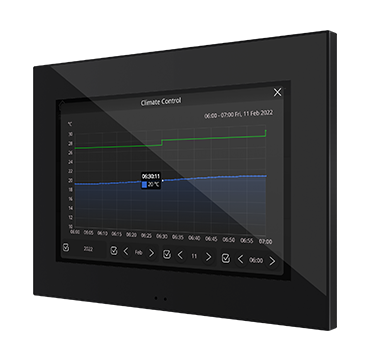
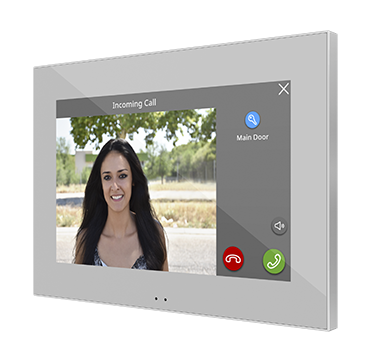
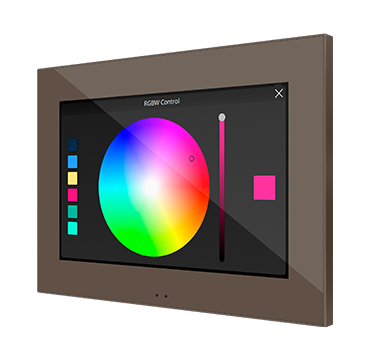
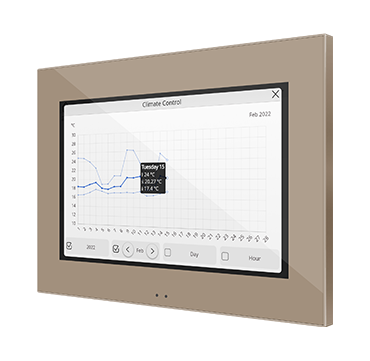
Color capacitive touch panel with 7″ display for total control in smart homes and hotel rooms in a minimalist aesthetic environment. The built-in proximity sensor makes the screensaver appear when the touch panel is not being used and the luminosity sensor adjusts the brightness automatically. Z70 v2 incorporates an internal temperature probe, 2 thermostats and 4 analog-digital inputs. It includes USB and Ethernet port for program update.
Installation in European/British standard double back box.
Advanced features can be activated with the following licenses:
- Remote Control License – Remote control through a mobile app or a web browser:
-
- Ref. 8500006 – Virtual License
- Ref. ZLIC70RCBX – Box License
-
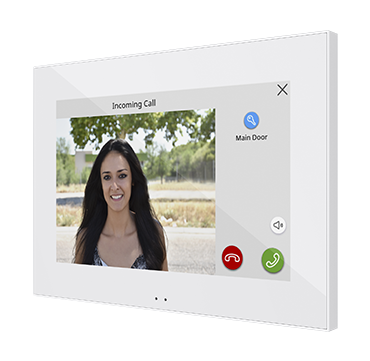
- Video Intercom License – Integration with the video intercom systems:
-
- Ref. 8500007 – Virtual License
- Ref. ZLIC70VPBX – Box License
-
- ZenVoice License – Voice Control License. Remote Control License is needed (Ref. ZLIC70RCBX/8500006) :
-
- Ref. 8500008 – Virtual License
- Ref. ZLICZVBX – Box License
-
Licenses Generation tool: Zennio License Manager
Accessories: temperature probe and motion sensor.
 Also available for USA/Canada market.
Zennio offers various finishes to suit a wide range of decorative environments, using colour references based on international standards. This table lists the available finishes along with their corresponding reference to facilitate identification and selection.
Colours shown are based on the RAL system, an international norm widely used to define hues with precision.
| Finish Name | RAL (colour reference) | YY / XX ref suffix | |
|---|---|---|---|
 | Silver | RAL 9006 | S / 06 |
 | Anthracite black | RAL 9004 | A / 05 |
 | Matt white | RAL 9016 | W or MW / 09 |
 | Champagne | RAL 1035 | C / 04 |
 | Mocha | RAL 7006 | M / 03 |
Application Program ETS
Technical Documentation
- Datasheet EN / EL / RU
- Datasheet - ZACHOLD4 - Metal mounting accessory
- Manual
- Icon list
- Manual for firmware Update
- Manual Zennio Remote and ZenVoice
- Manual for Video Intercom Setting
- Specific Manuals+
- WebServer Tools Manual
- Z50 / Z70 V2 / Z100's license Import Instructions
- ZenVoice User Guide
- ZenCom Manual
- Video Intercom Configuration Guide with Predefined Profiles and Indoor Units





Marketing Toolbox
Warning